Quick answer
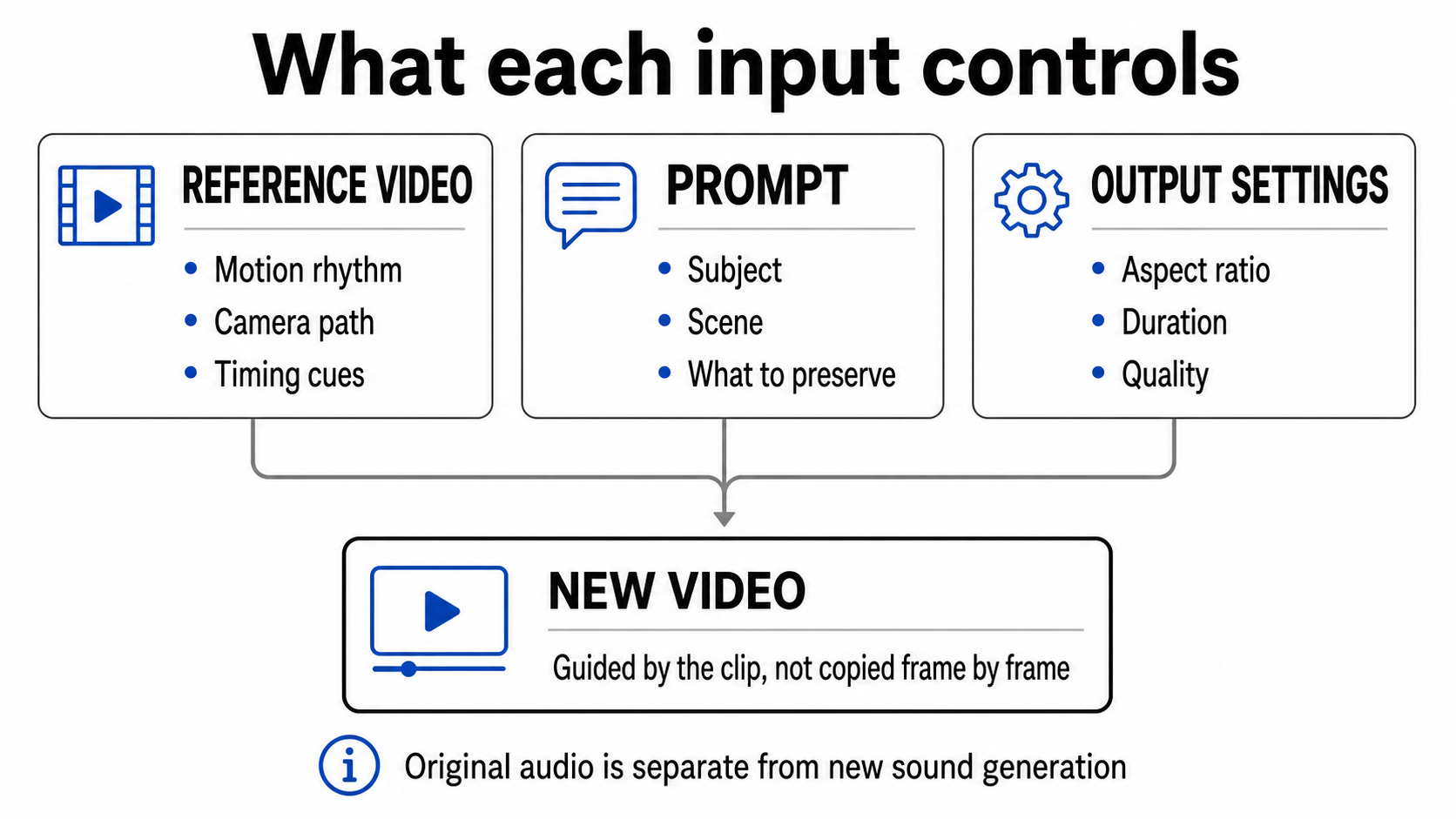
A useful Kling O3 reference video gives the model one readable performance to follow. Pick a short clip with one visible person, one clear action, steady framing, and clean source audio. On KlingVideo, upload that clip in Video to Video, then use the prompt to describe only the scene, styling, camera, or details you want to change. Review the result in separate passes for face and wardrobe, movement, camera, and sound.
This workflow can improve continuity, but it cannot guarantee an identical face, exact motion, or a cloned voice. Kling AI's official VIDEO 3.0 Omni guide describes reusable character assets and voice binding in its upstream Elements 3.0 workflow. The current KlingVideo form does not expose those controls, so this guide stays with the reference-video controls that are available here.
1. Choose a reference clip that is easy to read
The best reference is rarely the busiest take. A clean five-second performance is more useful than a polished montage with cuts, occlusion, and several people crossing the frame.
| Check | Prefer | Avoid |
|---|---|---|
| File | MP4 or MOV, 3 to 10 seconds, under 200 MB | Unsupported containers, long intros, corrupt exports |
| Subject | One person at a useful scale | Tiny faces, crowds, frequent exits from frame |
| Action | One gesture or short movement phrase | Several unrelated actions packed together |
| Camera | Locked shot, simple pan, push, or orbit | Fast handheld movement and jump cuts |
| Audio | Clear dialogue or ambience you are allowed to use | Music, voices, or private recordings without permission |
Trim dead time from both ends. If the useful action lasts four seconds, keep those four seconds. Before uploading, watch once with the sound off to judge motion, then listen without looking at the screen to judge the audio. That split catches problems a normal viewing can hide.
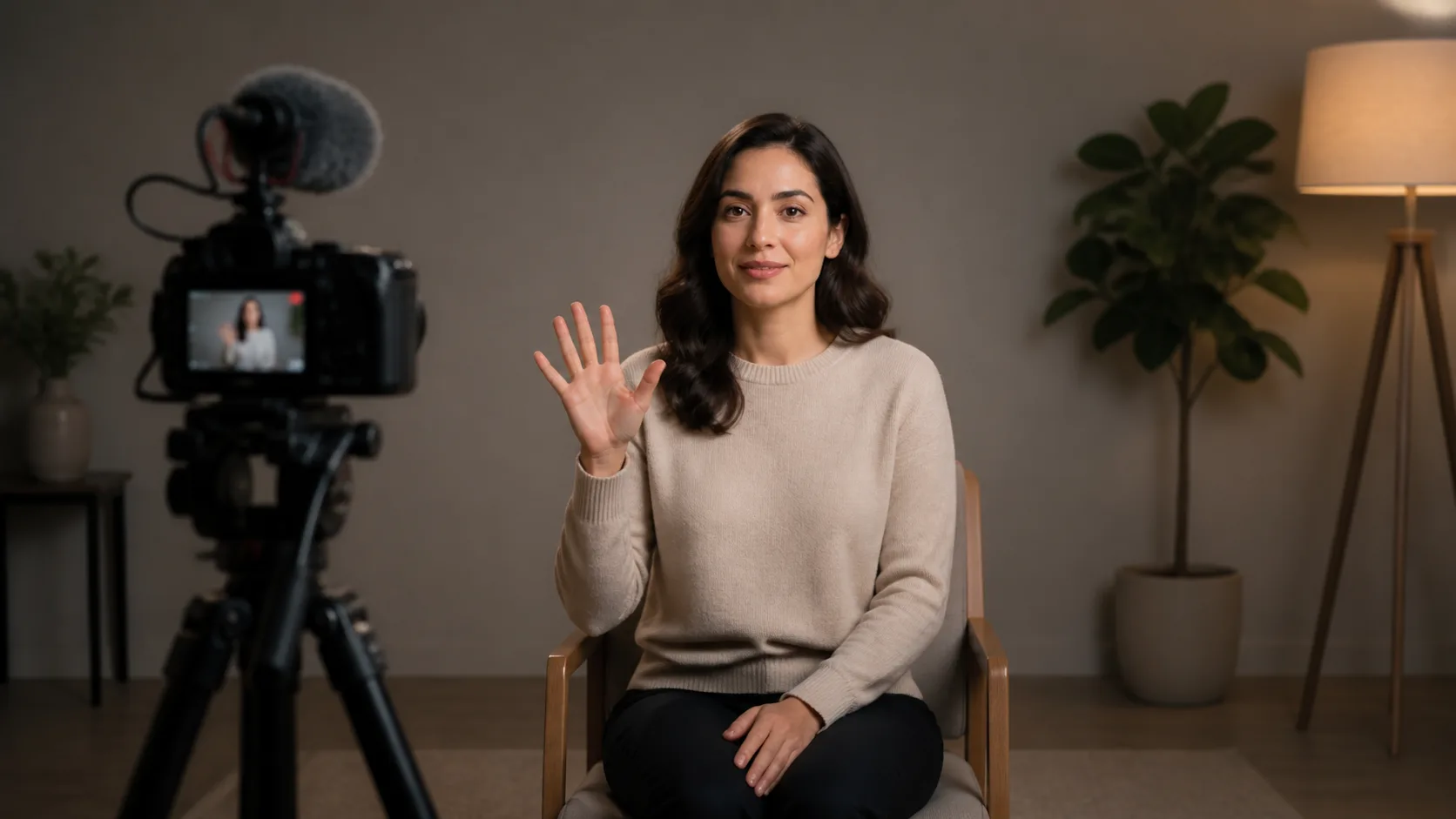
Copyable scene prompt: "A filmmaker records one clearly framed performer in a quiet studio, steady medium shot, one simple hand gesture, clean practical lighting, uncluttered background, cinematic natural color, 16:9."
Only upload material you own or have permission to use. Kling AI's terms make the user responsible for having the required rights to submitted content.
2. Write a continuity card before the prompt
Do not try to preserve everything. Pick the traits a viewer would notice if they changed between shots.
Appearance anchors
Write down three to five visible anchors: hair shape, jacket color, a distinctive accessory, body build, and one facial detail. Favor concrete nouns and colors. "Short black bob, amber jacket, round silver glasses" is easier to check than "same attractive character."
Performance anchors
Describe the action in beats. For example: looks left, raises the right hand, pauses, then turns toward camera. The reference already carries the timing, so the prompt should not invent a second sequence that competes with it.
Audio anchors
Decide whether the source sound belongs in the final edit. The current O3 reference workflow may retain the clip's original audio, and the KlingVideo form does not show a separate original-sound switch. If the delivery must be silent, mute the reference before upload or plan to mute the result during editing.
Treat source audio as continuity material, not proof of voice cloning. A carried-over recording and a reusable bound voice are different things.
3. Prompt only what should change
A reference clip and a prompt have different jobs. The clip demonstrates performance. The prompt defines the new shot. When both give competing instructions, continuity usually gets weaker.
| Keep from the reference | State in the prompt only when critical | Change in the prompt |
|---|---|---|
| Main action and its rhythm | Wardrobe color, accessory, facial anchor | Location, time of day, lighting |
| Broad posture and camera path | Which hand moves, direction of gaze | Art direction and background |
| Source audio when suitable | Framing that must remain stable | Delivery format and mood |
Use a prompt with four compact parts:
- Name the subject and the few appearance anchors that matter.
- Describe the scene and light.
- Confirm the main action already visible in the reference.
- Add one camera instruction only if it supports the clip.
Example:
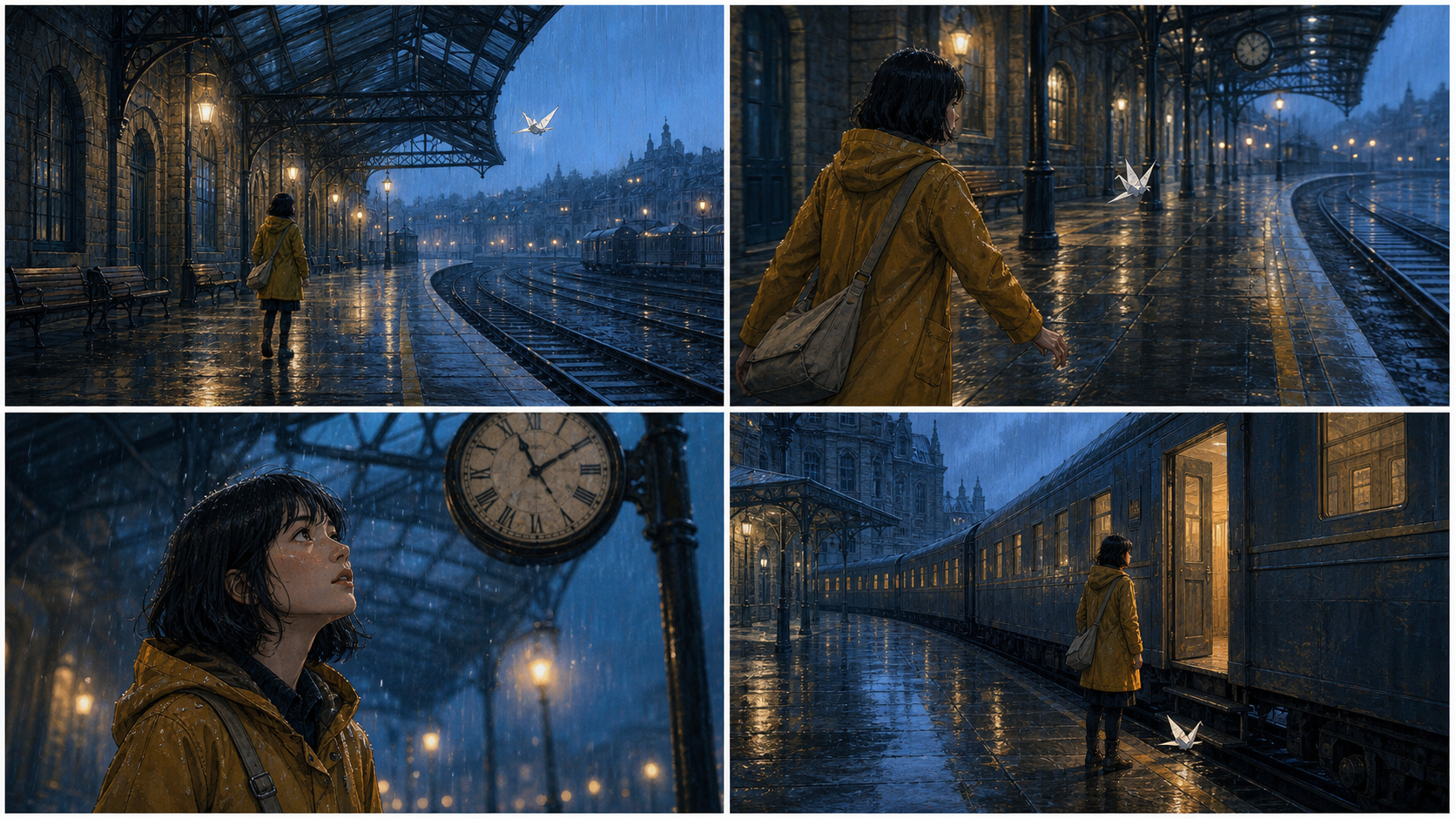
The same short-haired detective in an amber jacket and round silver glasses stands in a rain-lit train compartment. She looks left, raises her right hand, pauses, then turns toward camera, matching the reference timing. Steady medium shot, cool window light, restrained cinematic realism.
Avoid loading the prompt with a sprint, a wardrobe change, a new speaker, and a dramatic camera move at the same time. If a shot needs that much change, split it into two shots and keep a small continuity card for both.
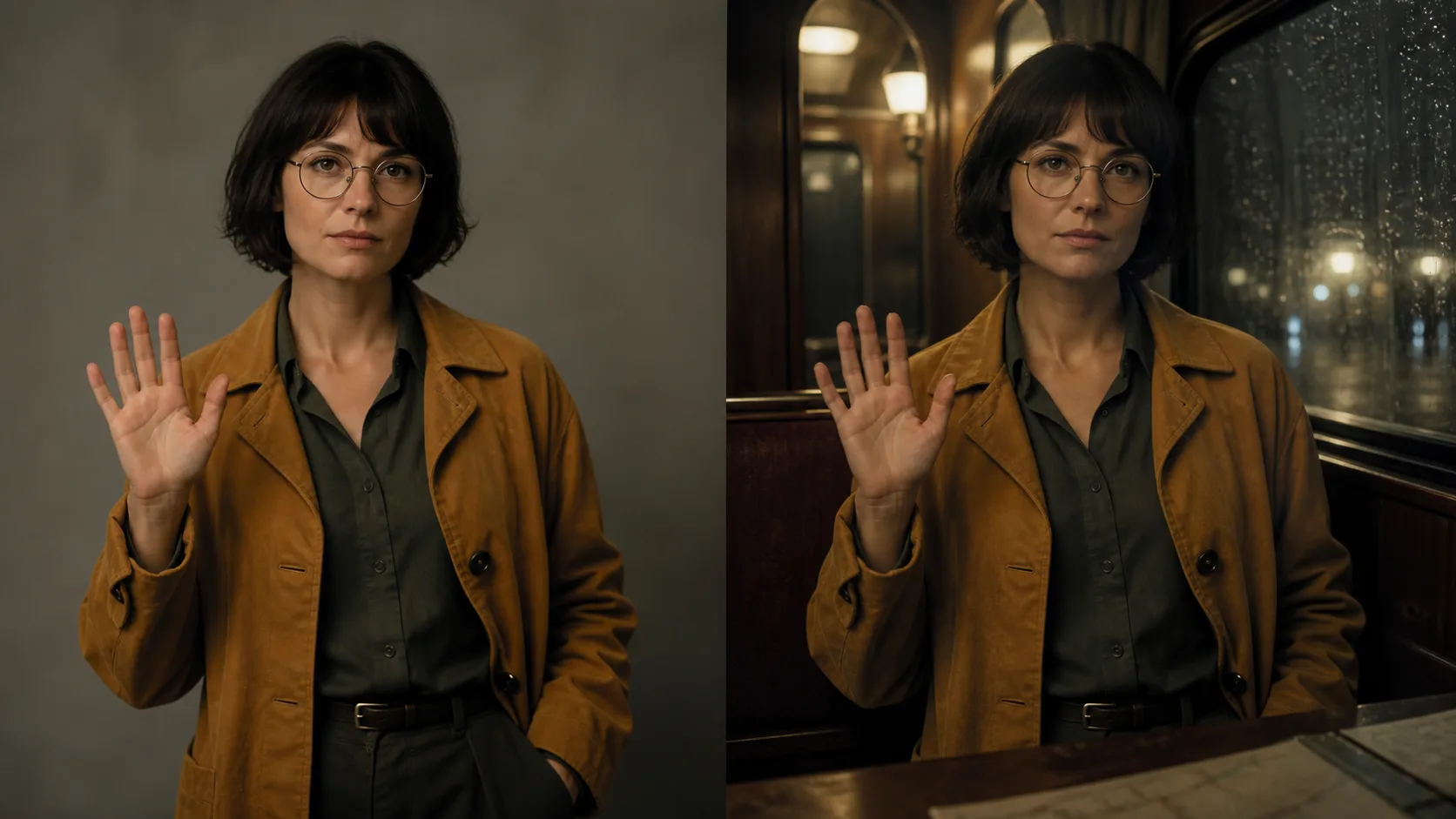
Copyable scene prompt: "The same short-haired detective in an amber jacket and round silver glasses performs one calm hand gesture across two connected cinematic shots, first in a quiet studio and then in a rain-lit train compartment, consistent face, wardrobe, posture, and camera height, 16:9."
4. Generate one shot, then review in four passes
Open KlingVideo Video to Video, select Kling O3, add the reference clip, and enter the focused prompt. Match the duration to the useful action instead of stretching a brief gesture into a long scene. Choose the aspect ratio and quality for the final placement.
Once the result is ready, review it four times:
- Identity: Pause at the start, middle, and end. Check face shape, hair, clothing, accessories, and body proportions.
- Motion: Watch without sound. Check the action order, contact points, hand shape, and whether the body remains coherent.
- Camera: Ignore the actor and watch the frame edges. Check camera height, direction, speed, and sudden reframing.
- Audio: Listen without looking. Check dialogue clarity, timing, unwanted music, ambience, and whether source sound was retained.
Change one variable per retry. That makes the next result diagnostic. If you replace the clip, rewrite the prompt, change duration, and switch aspect ratio together, you will not know which change helped.
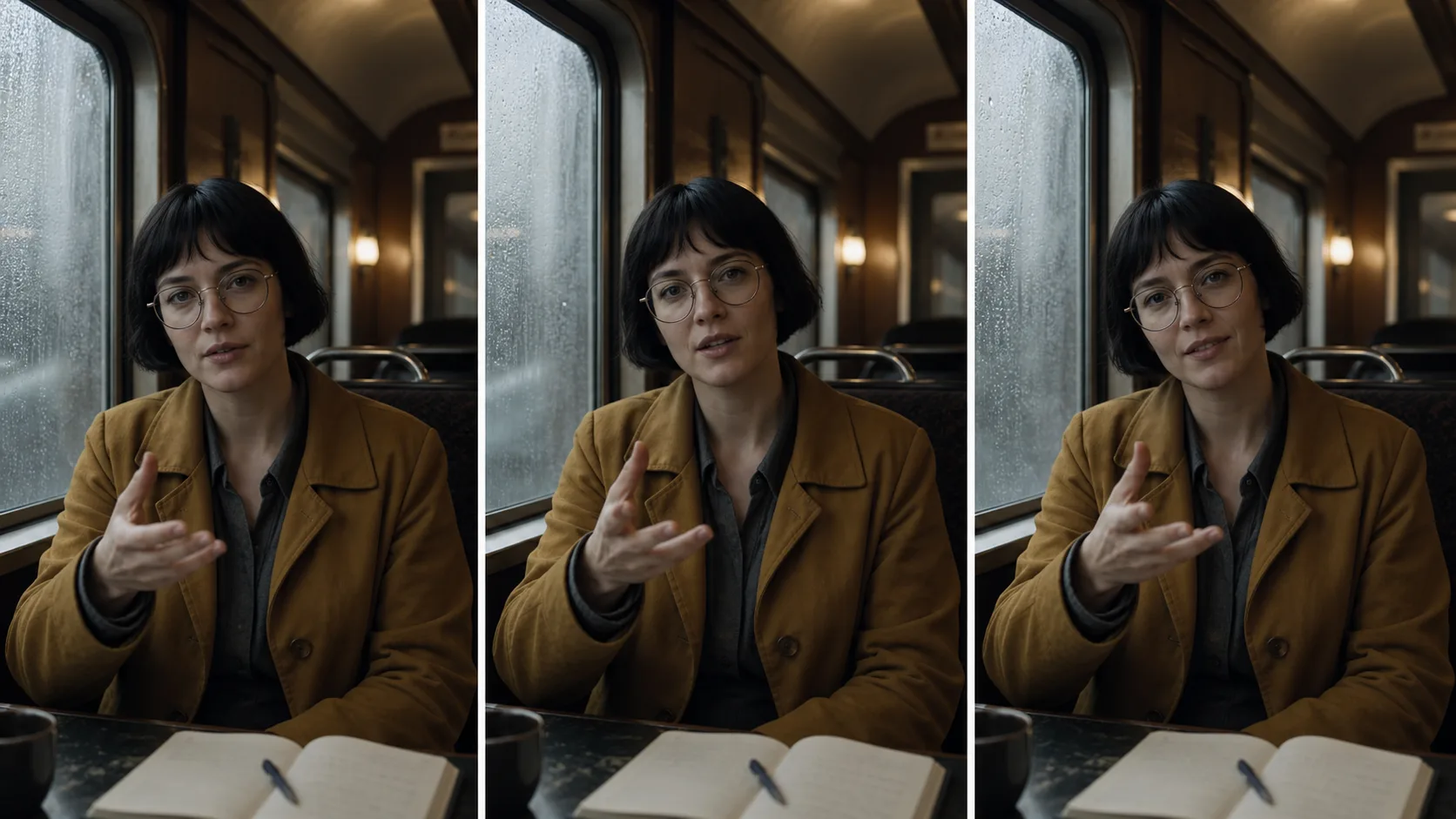
Copyable scene prompt: "Cinematic contact sheet of one short-haired detective in an amber jacket at the start, middle, and end of a single shot, consistent face and wardrobe, readable hand gesture, steady camera height, clean location sound, natural film lighting, 16:9."
5. Fix the layer that failed
| Symptom | Likely cause | Best next change |
|---|---|---|
| Face or clothing drifts | Too many visual changes or weak anchors | Remove secondary styling and keep three concrete appearance anchors |
| Motion loses the reference | Action is small, occluded, or interrupted | Crop tighter or choose a cleaner take before rewriting the prompt |
| Hands or contact look wrong | Fast motion or hidden contact point | Slow the action and keep hands visible in the source clip |
| Camera feels disconnected | Prompt camera conflicts with the clip | Delete the extra camera instruction or use a steadier reference |
| Audio is unexpected | Source sound was retained or the recording is noisy | Clean or mute the reference before another upload |
| Dialogue does not match a new script | Reference audio and requested speech are different tasks | Record or edit dialogue separately instead of assuming voice binding |
The general O3 reference-to-video guide covers upload limits and basic controls. For the broader model family and native audio context, see the Kling O3 and VIDEO 3.0 Omni feature guide.
6. What one existing workflow shows
In an August 4, 2026 reference-driven workflow, a five-second cat gesture clip was used with O3 at 720p. The result carried the broad gesture rhythm and room composition, while facial detail, paws, and parts of the background changed. That single example is useful because it shows both the value and the limit of reference guidance. It does not establish a success rate.
Read the complete setup in Kling 3.0 vs O3: a reference workflow test. The practical lesson is simple: use the clip for observable performance, use the prompt for the new shot, and plan to review continuity rather than assume it.
FAQ
Can Kling O3 keep the same character across shots?
A clear reference and a short continuity card can make important traits easier to preserve, but exact identity is not guaranteed. Review each shot at the start, middle, and end.
Can I use a reference video to clone a voice?
Do not assume that. The current KlingVideo reference form may retain original source audio, but it does not expose a separate reusable voice-binding control. Treat new dialogue or reusable voices as a separate production task.
Should every shot use the same reference clip?
Reuse it when the action and camera language still fit. Choose a different authorized clip when the next shot needs a different performance. Keep the same appearance anchors across both prompts.
What should I change first when continuity fails?
Fix the reference if motion is unclear. Fix the prompt if appearance or scene instructions conflict. Fix the source audio if sound is the problem. Change one layer at a time.
Create the next shot
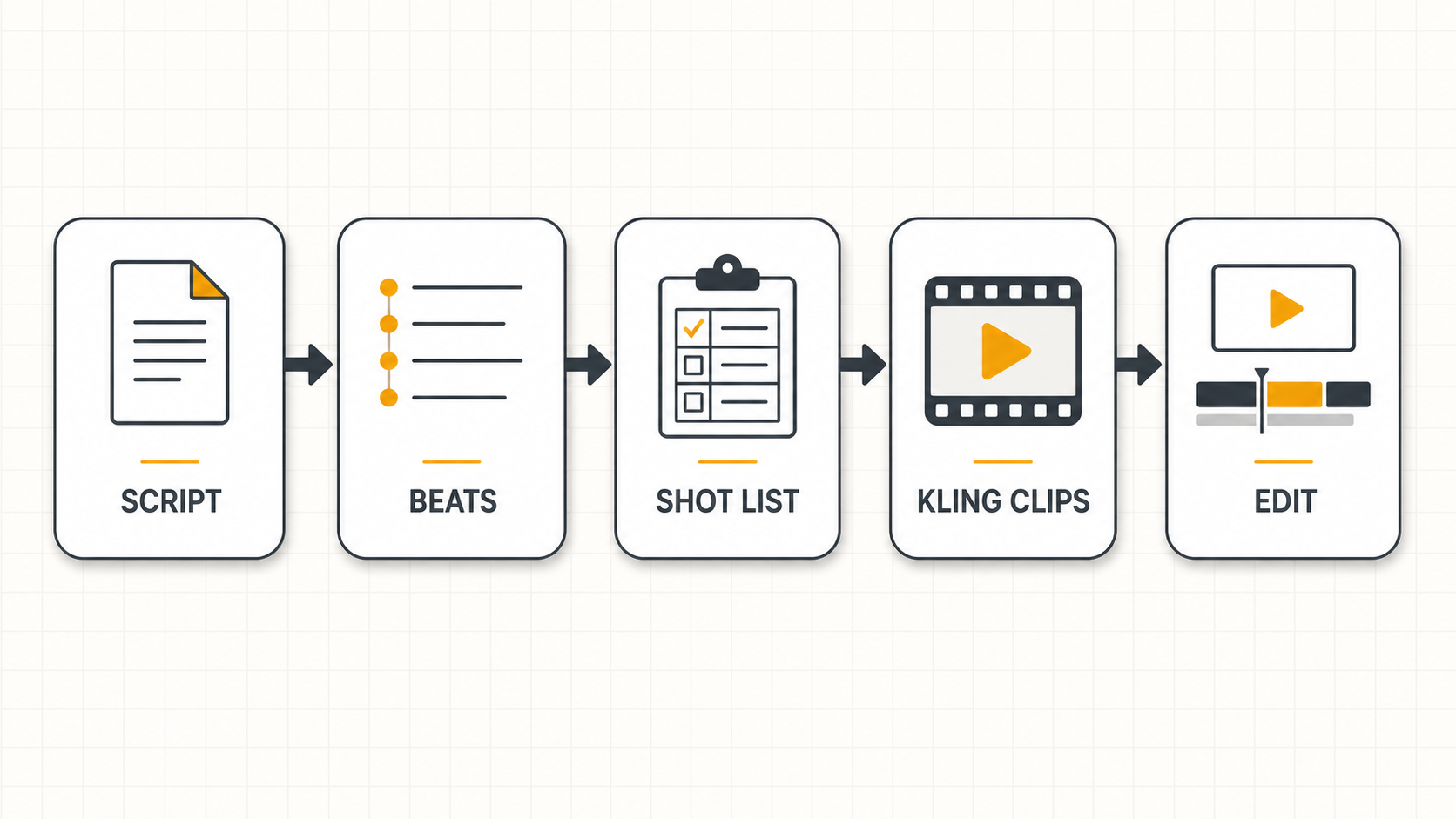
Prepare one authorized 3 to 10 second clip, write three appearance anchors, and open KlingVideo Video to Video. Generate one short shot and review identity, motion, camera, and audio separately before expanding the sequence.
Sources and methodology
- Kling AI VIDEO 3.0 Omni model user guide, checked August 27, 2026. Used to distinguish upstream Elements 3.0 character and voice features from the controls currently shown on KlingVideo.
- Kling AI Terms of Service, checked August 27, 2026. Used for the input-rights requirement.
- KlingVideo O3 Reference-to-Video Guide, checked August 27, 2026. Used for current input limits, original-audio behavior, and the August 4 workflow summary.
Last fact check: August 27, 2026.