Quick answer
The best AI UGC video generator depends on what you need to finish. Creatify, HeyGen, and Arcads can build presenter-led ads with scripts, actors, captions, and editing. KlingVideo is different. Its image-to-video workflow is useful for product B-roll, not for generating a complete UGC ad from a product URL.
For a one-tool workflow, start with Creatify when ecommerce variation is the priority, HeyGen when localization matters, or Arcads when actor-led social ads are the main format. Use KlingVideo Image to Video when you already have a script and presenter clip but need cinematic product shots. There is no defensible overall quality winner here because the tools were not tested with the same inputs. This comparison covers current official capabilities, pricing, rights, and workflow fit checked on August 28, 2026.
Complete UGC suite or clip generator?
An AI UGC suite tries to take an ad from brief to export. It may accept a product URL, draft a script, provide an AI actor, add captions, create variants, and assemble a social-ready edit. A clip generator does a smaller job. It turns an image or prompt into a shot that an editor can place inside a larger ad.
That difference matters more than the model name. If you need a talking presenter by lunch, a full suite removes handoffs. If the presenter segment is already done and the product needs a stronger reveal, texture shot, or motion cutaway, a clip generator gives you more direct control over that insert.
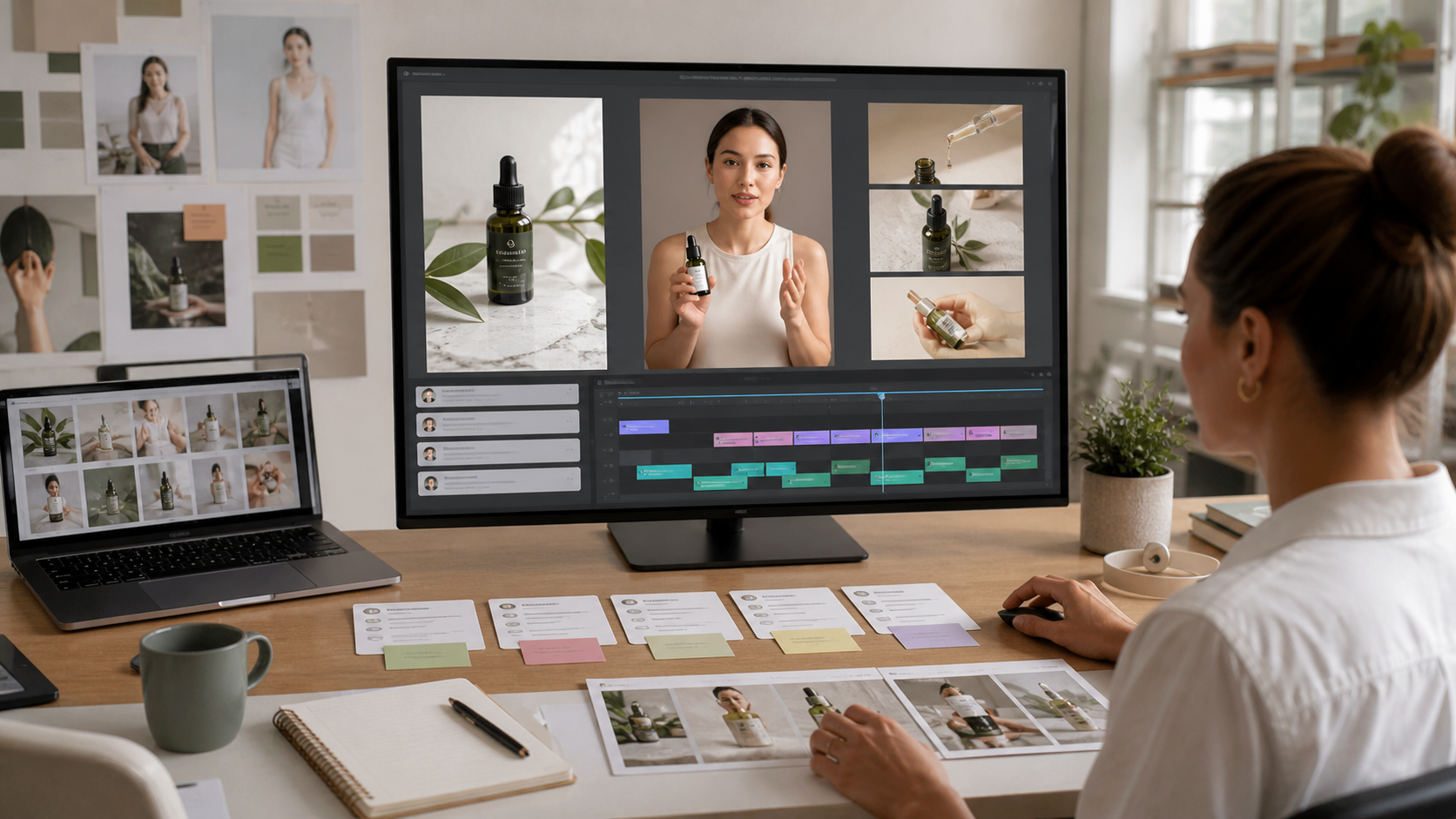
Scene prompt: "An ecommerce creative team assembles a presenter clip, product close-ups, captions, and a vertical-video timeline in a bright practical studio, realistic commercial photography, neutral daylight, 16:9, no logos or readable text."
Tool capability matrix
| Tool | Script and product-page intake | AI presenters | Product shots | Editing and variants | Public pricing checked August 28, 2026 |
|---|---|---|---|---|---|
| Creatify | Product URL or manual assets; script workflow | 1,500+ spokespeople on the UGC page | Product Video can animate a product photo | Captions, templates, batch variants, ad workflows | Free: 10 credits; Starter: $39/month; Pro: $99/month |
| HeyGen | Script-led ad workflow | Stock and consent-based custom avatars | AI Product Placement and uploaded product assets | Captions, multiple aspect ratios, localization | Free: up to 3 videos/month; paid tools state plans start at $24/month |
| Arcads | Script-led UGC workflow | 1,000+ AI actors and custom actors | Product holding, app, and clothing formats | Edit, translate, extend, subtitle, upscale, and remix | Price is shown in the account or commercial summary; verify before purchase |
| KlingVideo | Prompt plus image input | No built-in UGC actor catalog on the image-to-video page | Strong fit for product B-roll from still images | Produces clips for a separate edit | Monthly Lite $19.90, Pro $49.90, Premium $99.90; commercial rights are listed for yearly plans, not monthly plans |
The matrix compares advertised workflow coverage, not output quality. A long feature list does not prove that a tool will match your product, audience, or brand voice.
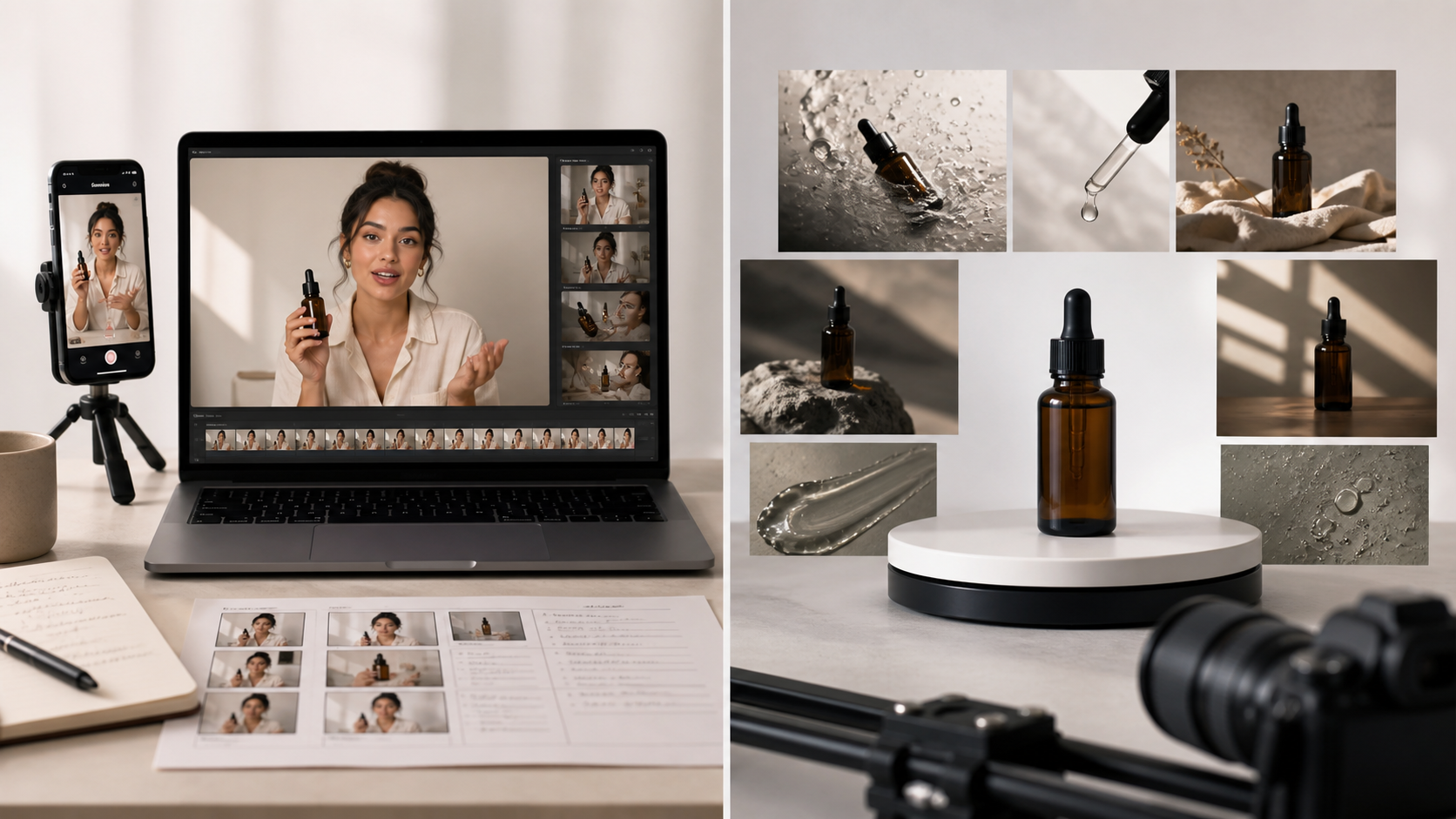
Scene prompt: "Split production studio, one side records a creator-style product testimonial on a phone and laptop, the other side films cinematic serum-bottle close-ups on a turntable, realistic commercial photography, soft neutral light, 16:9, no logos or readable text."
Creatify: best fit for ecommerce variation
Creatify's UGC workflow starts from a product URL or uploaded assets and combines scripts, AI spokespeople, templates, product visuals, and multiple variations. Its UGC page lists more than 1,500 spokespeople and batch creation of 10 or more variations. The platform's Product Video feature can animate an uploaded product photo.
The current Creatify pricing page lists a free plan with 10 credits, up to two video ads, and a watermark. Starter is $39 per month with 100 credits and watermark removal. Pro is $99 per month with 300 credits, more actors and templates, and additional ad workflow features. Limits and credit costs can change, so check the live checkout before committing a campaign budget.
Creatify's FAQ says users own the creatives they make and may use them across channels. Its AI ethics page says stock avatars are based on actors who gave written consent and receive compensation, while custom avatars require consent. Those statements address platform policy. Your script and product claims still need their own review.
Choose Creatify when a small performance team wants to turn several product pages into many testable ad versions without moving between separate scripting, avatar, and editing tools.
HeyGen: best fit for multilingual presenter ads
HeyGen's UGC ad workflow is built around a script, an avatar, and variants. The page lists more than 175 languages and exports in 9:16, 1:1, and 16:9. That makes it a practical fit when the same offer must be adapted for several markets or placements.
HeyGen's AI video ad generator states that the free tier supports up to three videos per month with a watermark. Paid plans remove the watermark and include commercial usage rights. Related HeyGen tool pages state that paid plans start at $24 per month. Confirm the plan shown at checkout because tool access, video length, and resolution differ by tier.
For product visuals, AI Product Placement can combine product assets with generated scenes. HeyGen's trust and safety policy and consent guidance require legal rights and explicit consent for custom avatars or digital twins.
Choose HeyGen when localization, presenter consistency, and delivery in several aspect ratios matter more than turning a catalog into large batches of ad concepts.
Arcads: best fit for actor-led social concepts
Arcads focuses on UGC-style actor footage. Its current site lists more than 1,000 AI actors, custom actors, product-holding formats, subtitles, translation, extension, upscaling, remixing, and ad presets. It also describes app and clothing use cases. This is a closer match for teams that think in hooks, actors, and social-native performances.
Arcads does not publish a simple public price table on the pages checked for this article. Its terms say pricing appears on the platform or in a commercial summary. The same terms allow model-specific restrictions and say a model creator may restrict industries or uses. Treat the actor choice as part of the rights review, not just a creative preference.
Arcads says its AI actors are based on real actors who work with the company and are compensated. That helps explain the source of the likenesses, but it does not remove the advertiser's duty to avoid false testimonials or prohibited product claims.
Choose Arcads when the ad concept depends on a casual presenter performance and you want to compare several actor directions before a final social edit.
Where Kling fits in a hybrid UGC workflow
KlingVideo does not replace the three suites above. The Image to Video generator takes a still image and prompt to create a video clip. It does not provide a product-URL parser, script writer, UGC actor catalog, captioning system, or publishing workflow on that page.
That narrower role is useful. A presenter ad often needs five to ten cutaways: a package reveal, a slow orbit, a texture macro, a hand interaction, or a lifestyle insert. Those shots can cover edits, make a claim easier to understand, and keep the presenter segment from feeling visually flat.
The upstream Kling AI VIDEO 3.0 guide lists image-to-video, 720p and 1080p output, clips up to 15 seconds, and ecommerce advertising as a use case. On KlingVideo, start with a clean product image, describe one camera move and one physical action, then generate a short insert. Keep labels and package geometry easy to inspect.
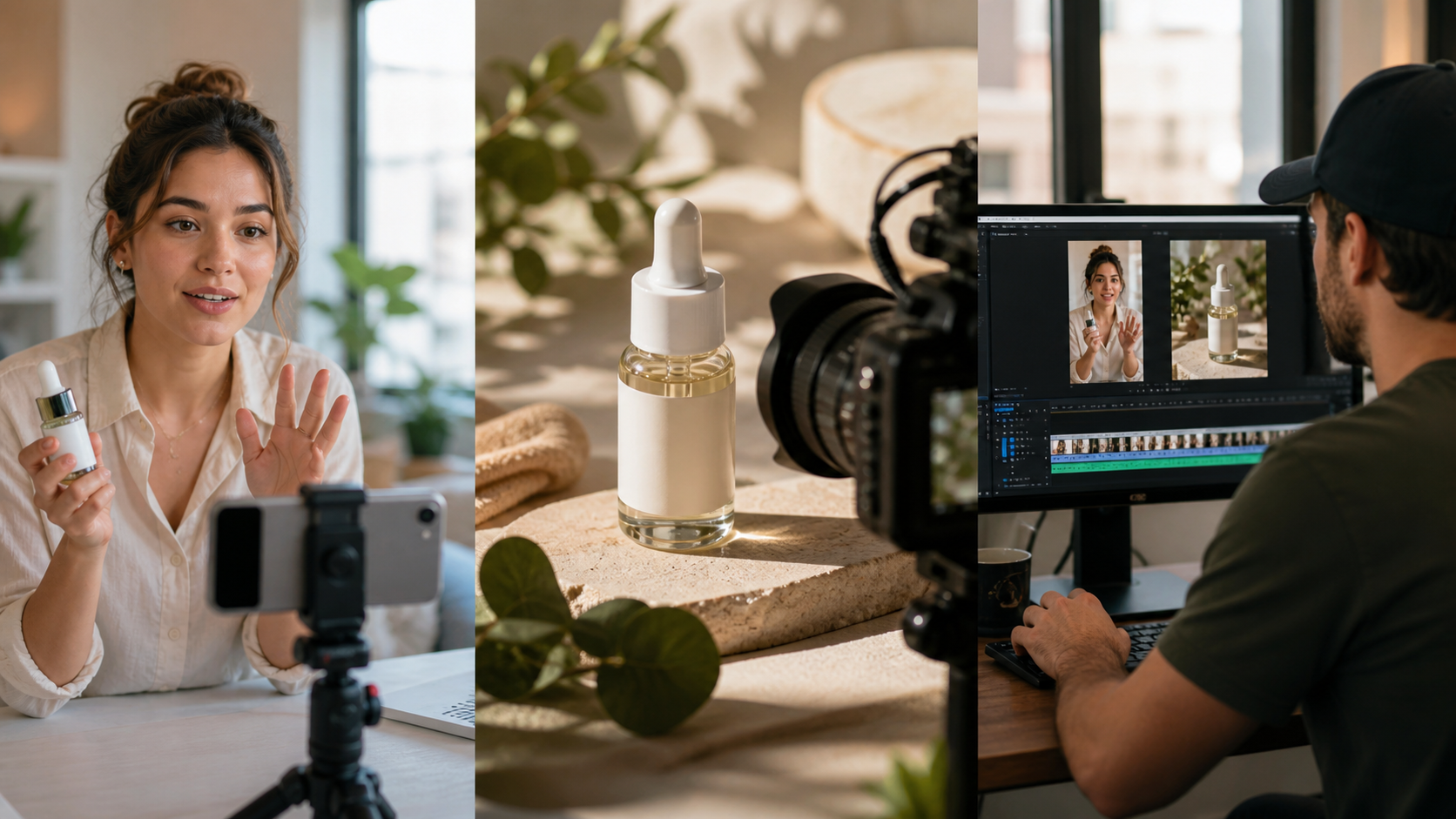
Scene prompt: "Three connected production moments: a creator presents a skincare bottle to a phone camera, a cinematic macro shot captures the bottle in warm daylight, and an editor combines both into a vertical product ad, photorealistic, 16:9, no logos or readable text."
A practical hybrid sequence looks like this:
- Draft and approve the claims before generating any presenter footage.
- Build the script and actor segment in a full UGC suite.
- Generate short product B-roll clips from approved product images in KlingVideo.
- Assemble the presenter, B-roll, captions, music, and final disclosure in the editor.
- Review the export on a phone before launching it as an ad.
The product-video-from-photo guide covers shot planning for ecommerce stills. The seamless product loop guide is useful when a product insert needs to repeat behind a callout or end card.
Price and rights checks before you publish
Price is only one line in the budget. Track credits per usable variation, watermark rules, resolution, allowed commercial use, and any actor-specific restrictions. Recheck these points whenever a campaign changes tools or moves from draft to paid media.
KlingVideo's current pricing copy lists free signup credits, monthly Lite at $19.90, Pro at $49.90, and Premium at $99.90. The pricing FAQ says monthly plans do not include commercial use and yearly plans do. If the clip is for a product ad, choose a plan whose current terms cover that use.
Creatify says users own their creatives. HeyGen states paid users receive commercial usage rights. Arcads' terms can attach restrictions to a specific model. These are different rights models. Save the terms that applied when the asset was created and record which actor or model appears in the final ad.
Disclosure, consent, and uncanny-output checks
In the United States, the FTC endorsement guidance covers virtual influencers. If an AI presenter is framed as a real customer or gives a testimonial, the presentation and any material connection must be clear. The FTC's testimonials rule Q&A also warns against fake or false testimonials. Other markets have their own rules, so local review still matters.
Watch the finished ad once for persuasion and once for defects. Check lips and speech timing, hands touching the product, label spelling, bottle shape, shadows, and whether the presenter implies personal use that never happened. A fast hook is not useful if the product changes shape halfway through it.
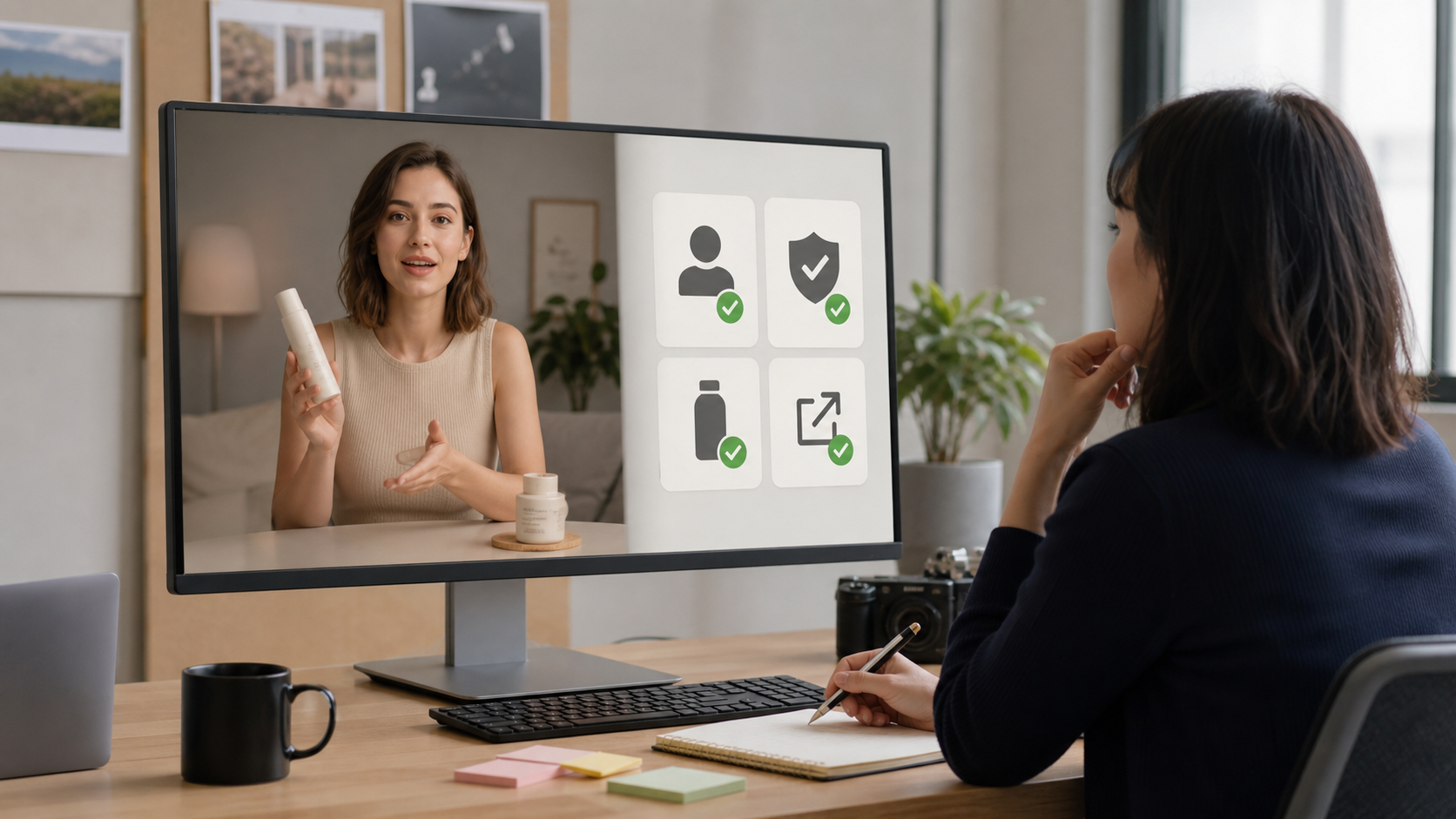
Scene prompt: "A producer reviews a creator-style skincare ad on a large monitor and checks consent, disclosure, product accuracy, and export quality with simple symbol cards, realistic documentary studio photography, neutral office light, 16:9, no logos or readable text."
A useful external walkthrough
Creatify vs HeyGen vs Arcads: Which AI Tool Makes the Best Ads? shows how the three suites approach product-page input, scripts, avatars, batch creation, and pricing. It had 88,336 views and 229 likes when checked on August 28, 2026. The video is useful for seeing the workflow differences on screen. It is published by Creatify, so it is not an independent quality test and does not establish a winner.
FAQ
What is the best AI UGC video generator for ecommerce?
Creatify has the broadest ecommerce-oriented workflow among the tools covered here, based on its product-URL intake, script, actor, product visual, and batch-variation features. That is a workflow fit, not a claim that it produces the best-looking video.
Can KlingVideo make a complete UGC ad?
Not from the current image-to-video page alone. Use it for product B-roll, then combine those clips with a script, presenter, captions, and final edit from other tools.
Do I need to disclose an AI avatar?
Disclosure rules depend on the market and on how the avatar is presented. If it appears to be a real customer or makes a testimonial, clear disclosure and truthful claims are the safer approach. Get legal review for regulated products or large campaigns.
Which tool is cheapest?
The headline subscription does not answer that. Compare the number of usable ads, credit cost, watermark, resolution, commercial rights, and revision load. Arcads pricing must be checked inside the platform or sales summary.
Build the ad in the right layers
Choose a full UGC suite for the script and presenter. Add KlingVideo when the product needs a separate cinematic insert. Start with one approved product image in Image to Video, create a short B-roll shot, and review product accuracy before it enters the final edit.
Sources and methodology
- Creatify UGC workflow, pricing, FAQ, and AI ethics, checked August 28, 2026.
- HeyGen UGC video ads, AI video ad generator, AI Product Placement, and trust and safety, checked August 28, 2026.
- Arcads product site and terms, checked August 28, 2026.
- Kling AI VIDEO 3.0 user guide and current KlingVideo product and pricing pages, checked August 28, 2026.
- FTC endorsement guides update and testimonials rule Q&A, checked August 28, 2026.
- Creatify vs HeyGen vs Arcads video, published December 31, 2025; metrics checked August 28, 2026.
Last fact check: August 28, 2026.