Quick Answer: Plan the Cut Before You Describe the Look
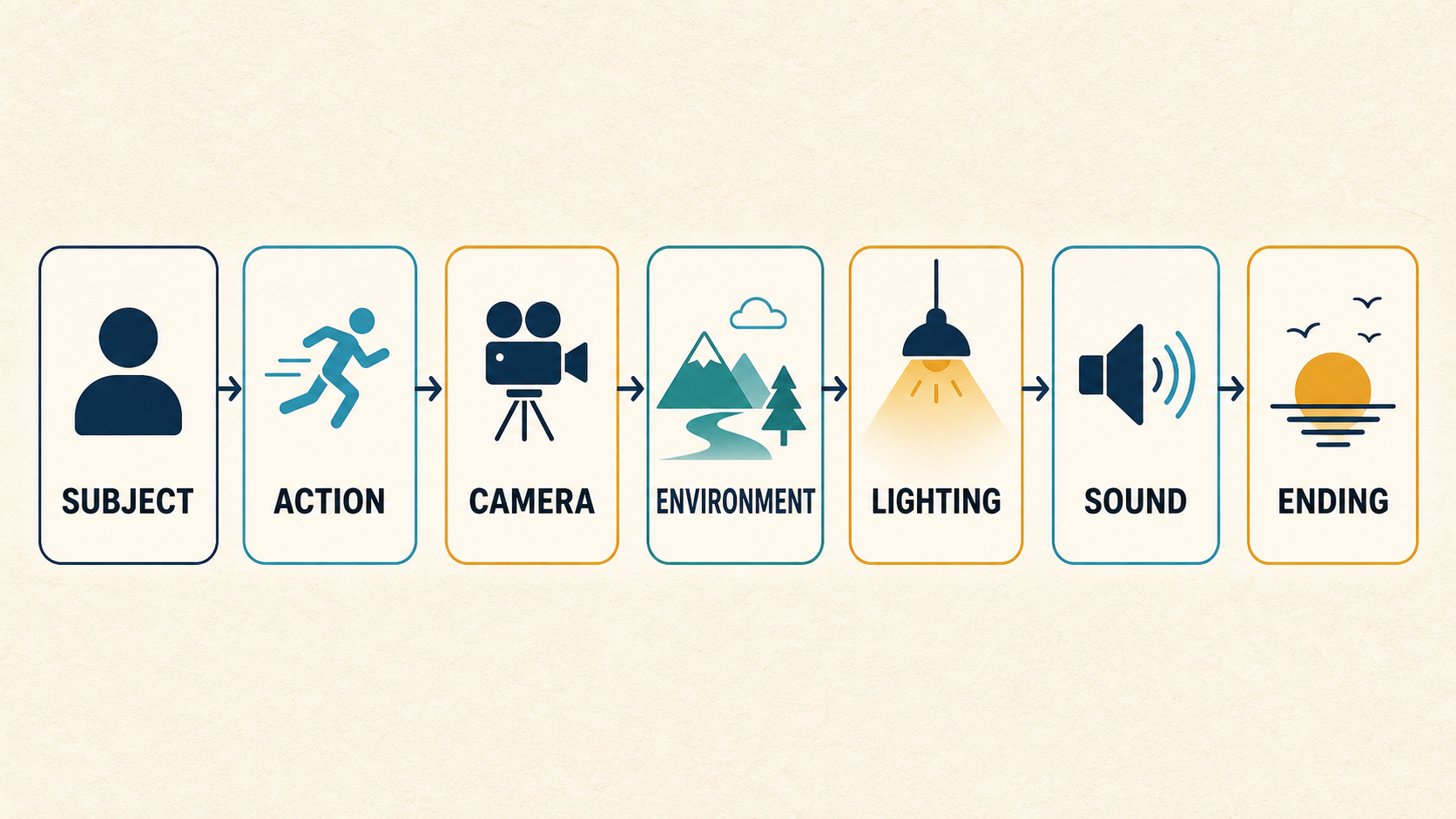
A Kling 3.0 multi-shot prompt works best when each shot has one job. Write the opening frame, the action or transition, and the final hold in order. Keep the subject, setting, and visual anchors stable across the sequence. Multi-shot planning can give a first generation a clearer structure, but it does not replace editing or guarantee every cut will land exactly as written.
Kling AI describes Multi-Shot as a VIDEO 3.0 capability for building more than one shot inside a creation. Its own guidance emphasizes scene coverage, camera angles, and composition. Start with a short beat sheet, then turn each beat into a compact visual instruction. This guide focuses on that planning step for a KlingVideo workflow; it does not claim a fixed maximum shot count or a guaranteed result.
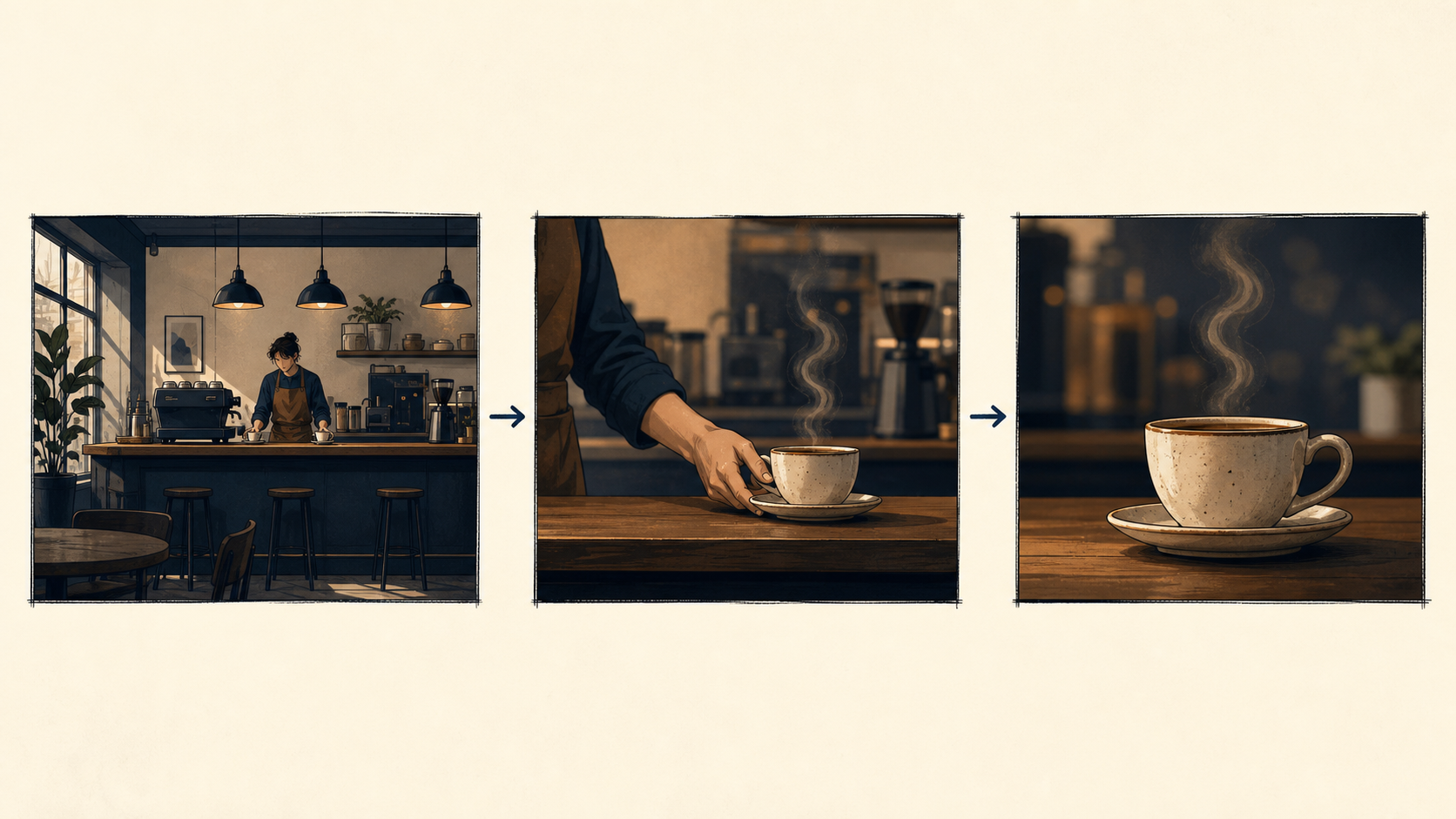
A multi-shot prompt needs a visible beginning, a purposeful change, and a place to stop.
What multi-shot planning is for
A multi-shot prompt is a sequence plan, not a pile of cinematic adjectives. It tells the model what the viewer sees first, what changes, and where the scene ends. That makes it useful for a short arrival, reaction, reveal, product moment, or dialogue beat.
It is less useful when the scene only needs one strong composition. If a person simply turns toward a window, a single-shot prompt may be clearer. Add shots only when the story needs a change in framing, point of view, or action.
For a broader view of the model and available routes, start with the Kling 3.0 model page. For single-shot prompt structure and examples, see the Kling AI Prompt Guide. If the same person must remain recognizable across scenes, pair this plan with the Character Consistency guide.
Build Shot 1 → Shot 2 → Shot 3
Use a small table before writing prose. It prevents the middle shot from becoming a vague bridge and gives the final frame a real purpose.
| Beat | What the viewer needs to see | Camera decision | Continuity anchor |
|---|---|---|---|
| Shot 1 | Where the scene starts and who is present | Wide or medium establishing frame | Subject, clothing, place, time of day |
| Shot 2 | One change or action | Tracking, side view, or closer framing | Same subject and decisive action |
| Shot 3 | The payoff or pause | Close, reverse, or held frame | Same prop, direction, and lighting logic |
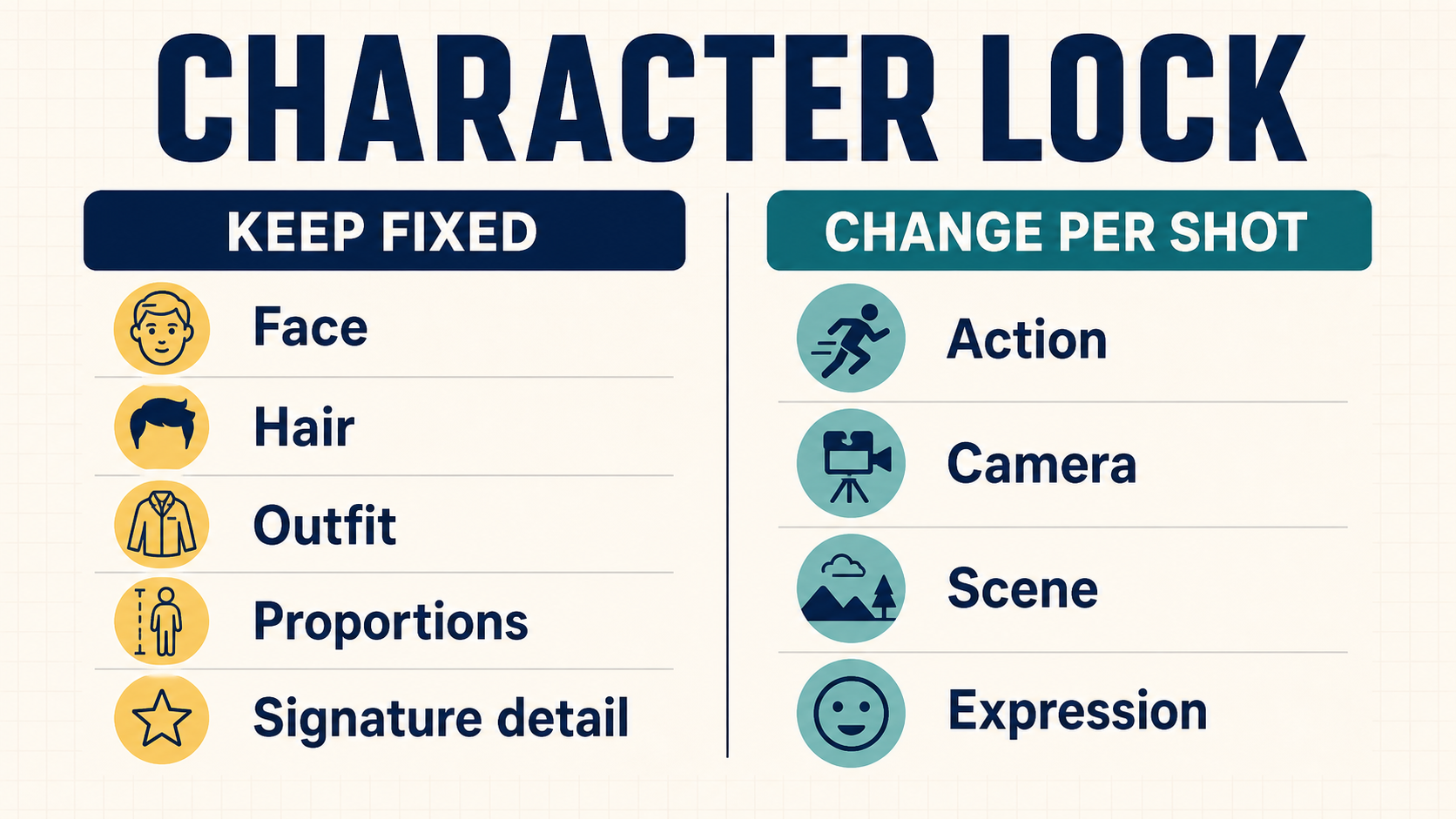
Keep the anchor words stable. If Shot 1 introduces “a cyclist in a yellow rain jacket,” do not turn that into “a rider in a dark coat” later. Repeating the important physical details is more useful than adding new decoration to every shot.
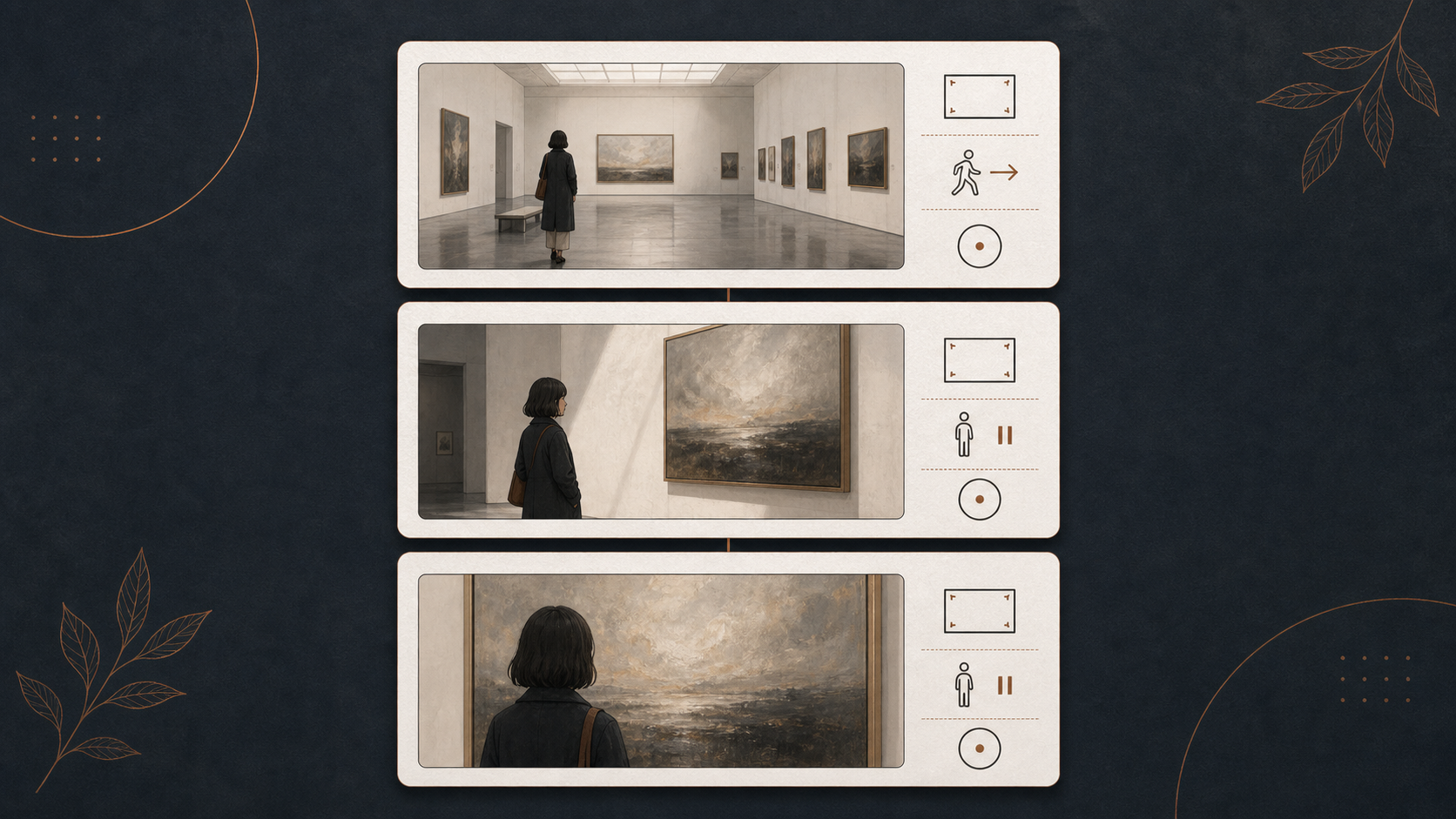
Plan each shot as a small, observable unit before joining the sequence.
Write camera changes that match the action
Every shot does not need movement. A still close-up after a moving shot often gives the scene its ending. The useful question is: what changes on screen, and what should the camera do while it changes?
| Scene event | A practical camera choice | Why it fits |
|---|---|---|
| A subject enters a location | Wide locked view or gentle follow | Establishes place before detail |
| A person crosses a room | Side tracking or rear follow | Keeps direction easy to read |
| Someone notices an object | Cut to a closer reaction or object frame | Gives the reveal a clear focus |
| A hand completes one action | Locked close-up | Lets the action finish without competing movement |
| The scene needs a final beat | Hold the final framing | Gives the viewer a deliberate endpoint |
Avoid asking for an orbit, zoom, pan, fast subject movement, a new location, and dialogue in the same beat. The request becomes hard to prioritize. Give each shot one main action and one camera instruction.
A short prompt, broken into shots
Here is a planning example for a quiet three-beat scene. It is a template, not a recorded product test.
Shot 1: A cyclist in a yellow rain jacket rides along a quiet mountain road after rain. Wide rear view, wet pavement, pale morning clouds.
Shot 2: Side tracking view as the cyclist passes a lake and slows near a roadside shelter. Keep the yellow jacket and black bicycle consistent.
Shot 3: Close view under the shelter as the cyclist stops, rain drips from the awning, and the shot holds for a moment.
The prompt works because the subject, wardrobe, weather, and travel direction carry through all three shots. The second beat changes the camera and action; the third beat ends rather than adding another event.
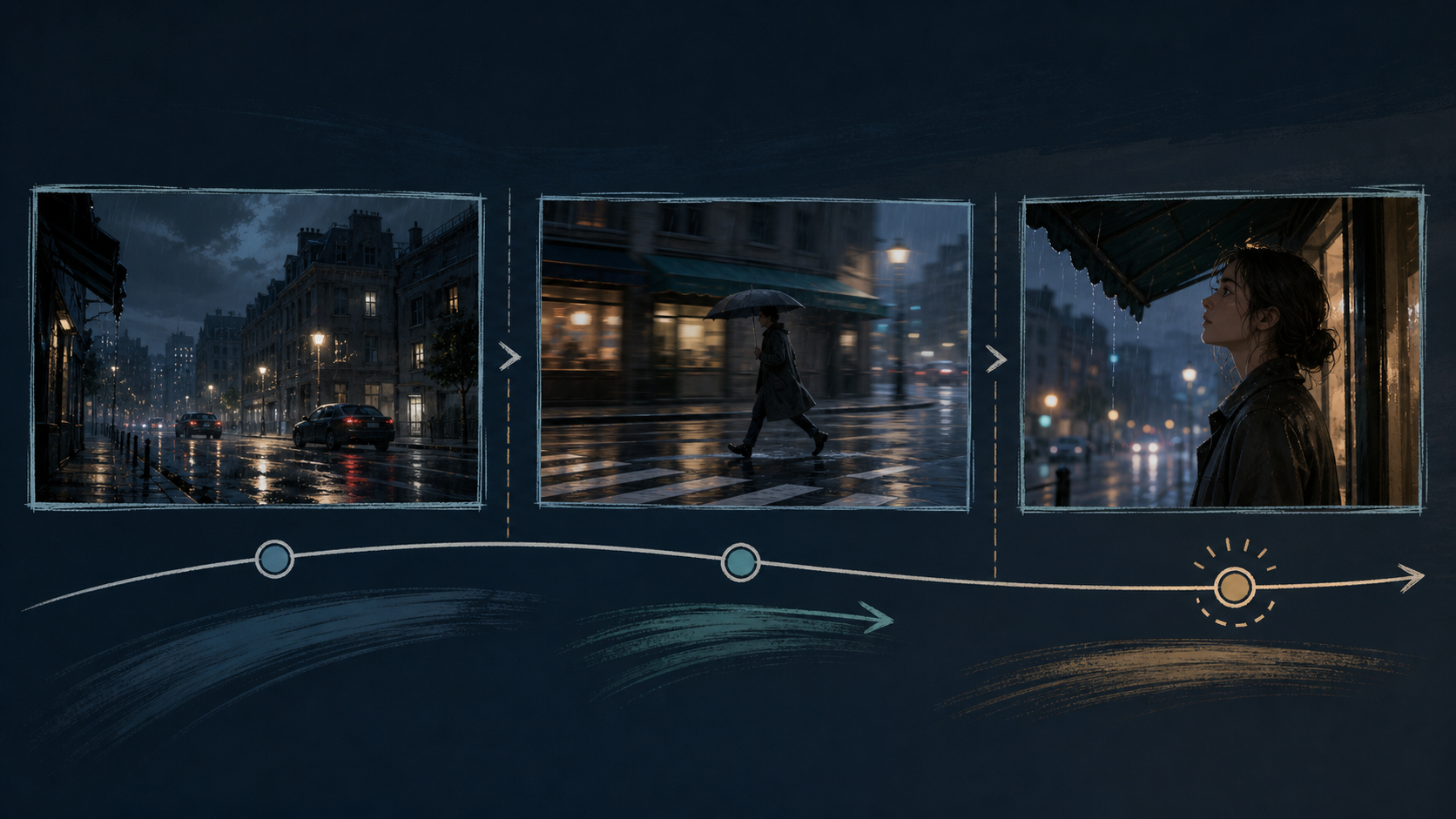
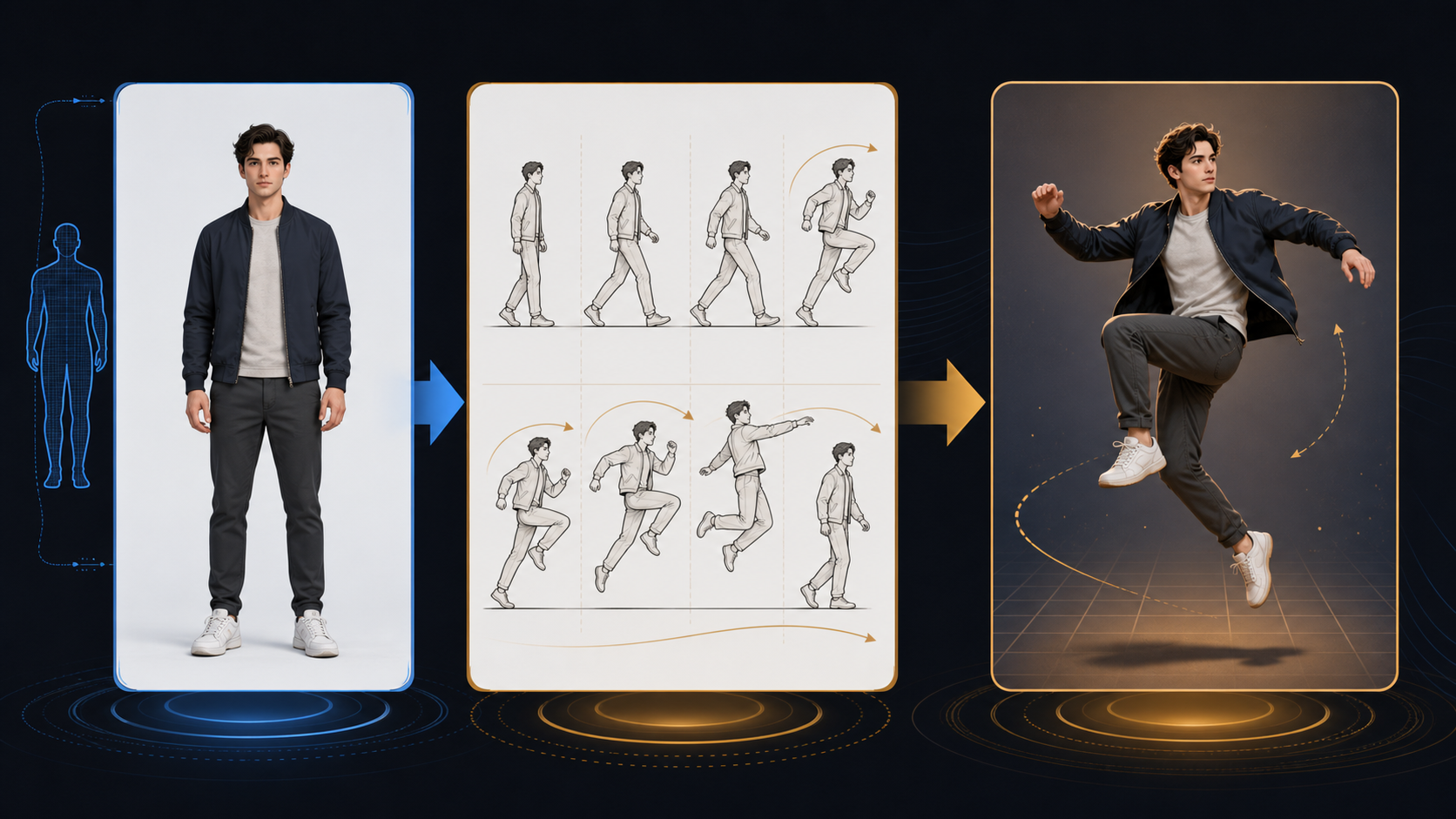
A camera rhythm map: establish the space, follow one action, then give the last frame time to land.
Dialogue, reactions, and scene rhythm
For a dialogue scene, split attention rather than asking one frame to do everything. One shot can establish both people, a second can focus on the speaker or listener, and a final reaction can close the exchange. Keep the spoken line short if speech is part of the scene, and let the visual change do some of the storytelling.
For an action scene, preserve direction. If the subject moves left to right in the opening, explain a deliberate reason before reversing direction. Otherwise the sequence can feel like separate clips rather than one scene.
For a product moment, repeat the product’s material, color, and position when it returns. A cut is more convincing when the audience can immediately identify what carried over.
Common mistakes and better revisions
| Problem | Why it weakens the sequence | Better revision |
|---|---|---|
| Three unrelated locations | No shared visual thread | Keep one place or state the transition clearly |
| A new subject description in every shot | Identity drifts | Repeat the few details that matter |
| Every shot has a fast camera move | Nothing has emphasis | Reserve motion for the beat that needs it |
| The prompt ends after another action | No clear ending | Add a visible final hold or reveal |
| A full screenplay inside one request | Too many competing priorities | Reduce it to a few observable beats |
Review the first result like an editor
After a first output, check the sequence before adding more adjectives. Ask whether the subject remains recognizable, whether each cut has a reason, whether motion direction stays understandable, and whether the final frame actually finishes the idea.
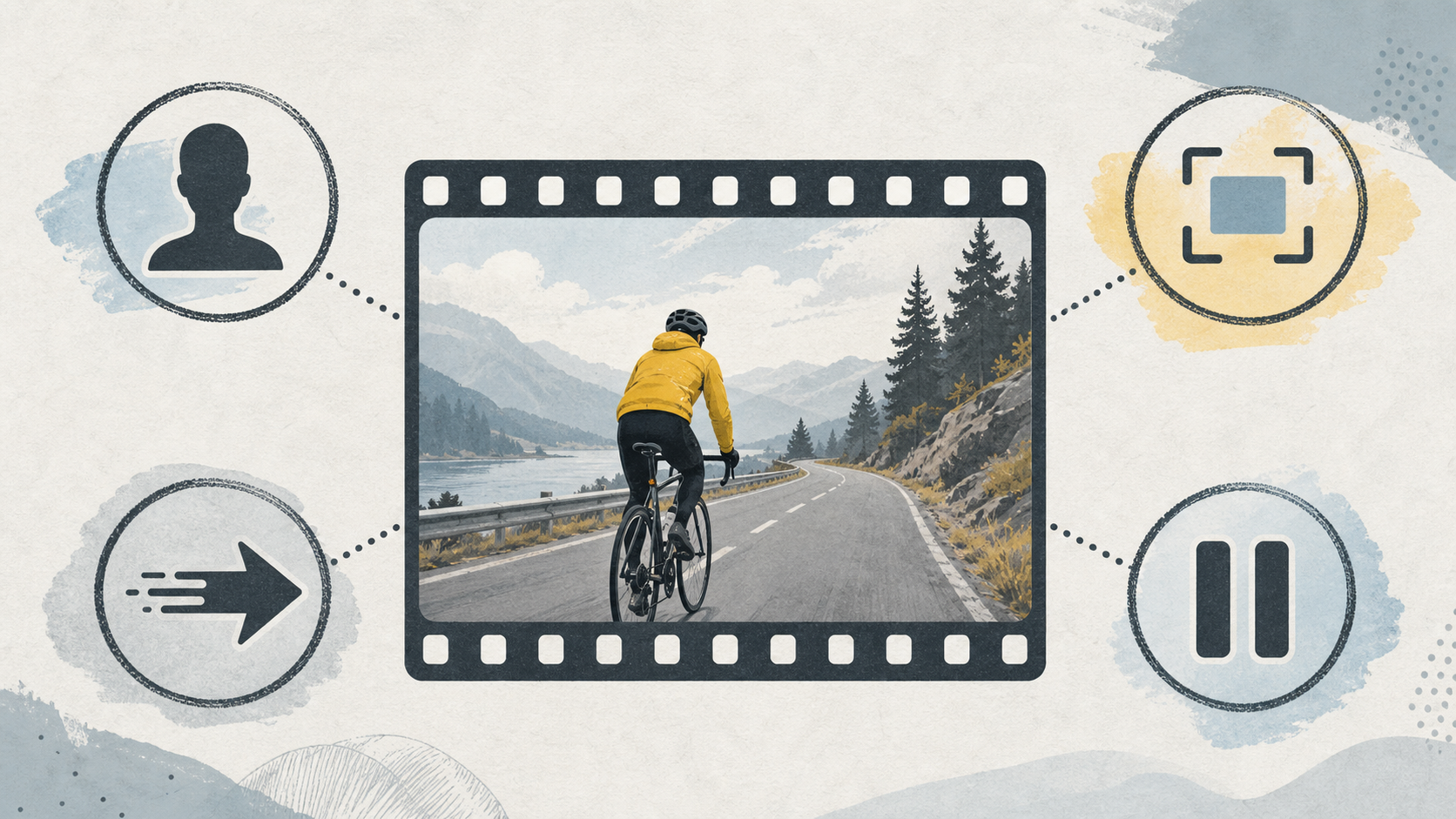
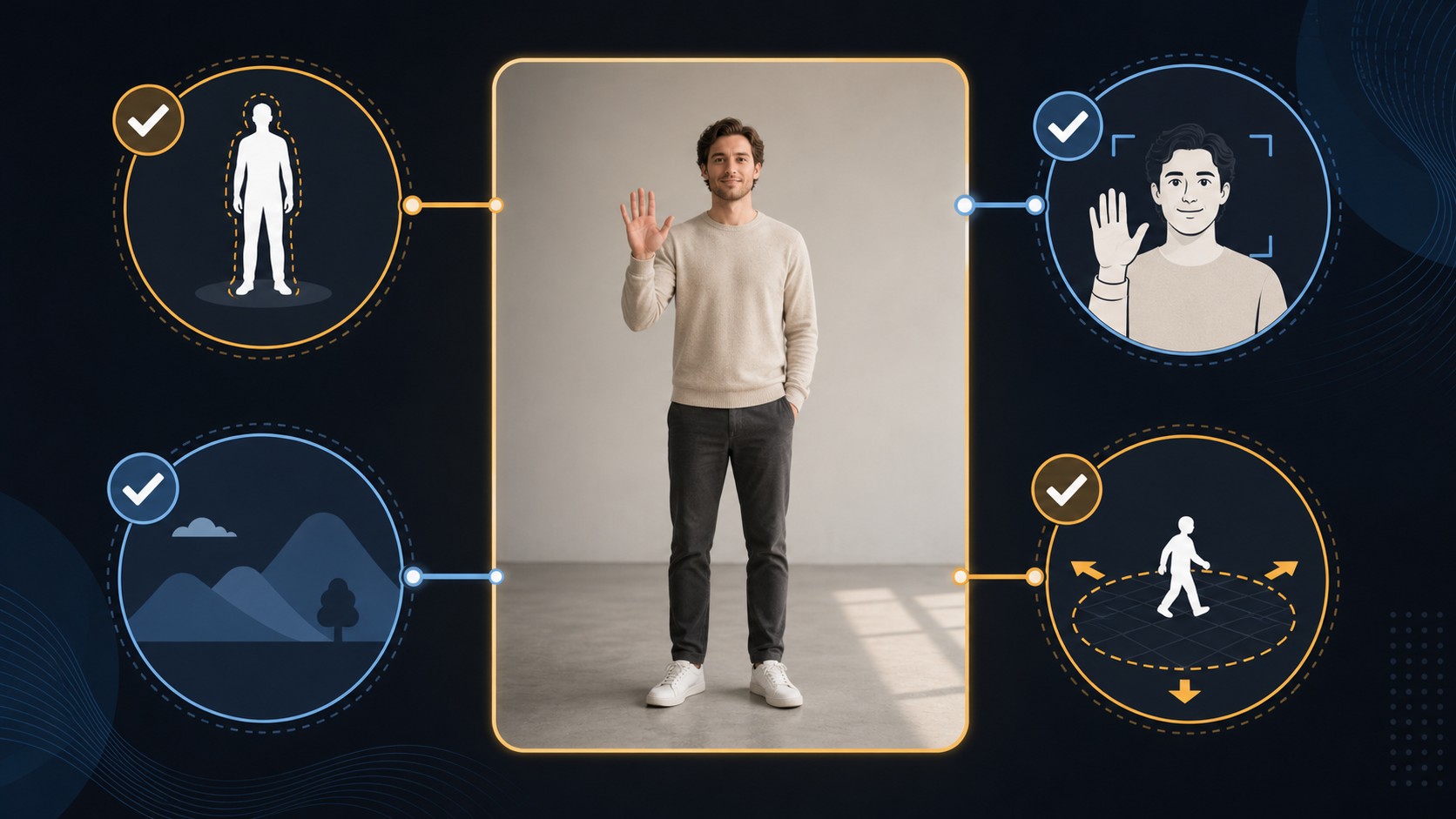
Review continuity and the final hold before you rewrite the whole prompt.
If one part fails, change one variable first. Keep the subject anchor and setting, then revise the camera direction, the transition, or the final frame. Changing every line at once makes it difficult to learn what helped.
FAQ
Does multi-shot replace video editing?
No. It can give a generated first pass more structure, but editing still gives you control over timing, selection, and exact cut placement.
How many shots should I ask for?
Start with the fewest beats needed to make the idea clear. The right number depends on the scene and the currently available model workflow; do not rely on an unverified fixed limit.
Should every shot repeat the full subject description?
Repeat the identity details that matter, such as clothing, object, setting, and direction. You do not need to restate every decorative detail.
What should I change when the middle shot feels disconnected?
First check the continuity anchor. Make the subject, action direction, or prop carry from the previous shot into the next one. Then simplify the camera instruction.
Where can I try a multi-shot idea?
Open the Kling 3.0 workflow, choose the available generation route, and begin with a short three-beat plan.
Turn a beat sheet into a first draft
Write the opening, one meaningful change, and a final hold. Then test the simplest version before adding extra coverage. That gives you a usable starting point and a clearer basis for the next revision.
Sources and methodology
- Kling VIDEO 3.0 Model User Guide, accessed July 27, 2026: official description of VIDEO 3.0 and its Multi-Shot capability.
- Kling VIDEO 3.0 Multi-Shot guide, accessed July 27, 2026: official discussion of structured sequences, shot coverage, camera angles, and composition.
- Kling AI Prompt Guide, accessed July 27, 2026: official prompt-planning context.
- This article also checked the current KlingVideo Kling 3.0 model page and existing published Prompt Guide and Character Consistency pages on July 27, 2026. The prompt example is an editorial template, not a claim about a separately generated result.